
WP Starter
A strong foundation for your WordPress site.
- 20GB NVMe SSD storage
- 2 cores · 2GB RAM
- 25 email accounts
- LiteSpeed web server
- WordPress auto-install
- Daily JetBackup backups
- Free SSL & Imunify360

WordPress hosting for South African websites, with NVMe storage, LiteSpeed, daily JetBackup backups and free migration. Compare resources and choose a plan for your site.
Choose the resources your WordPress website needs.
A strong foundation for your WordPress site.
More resources for your growing WordPress site.
Monthly pricing in South African rands. Billing options and final totals are confirmed at checkout.
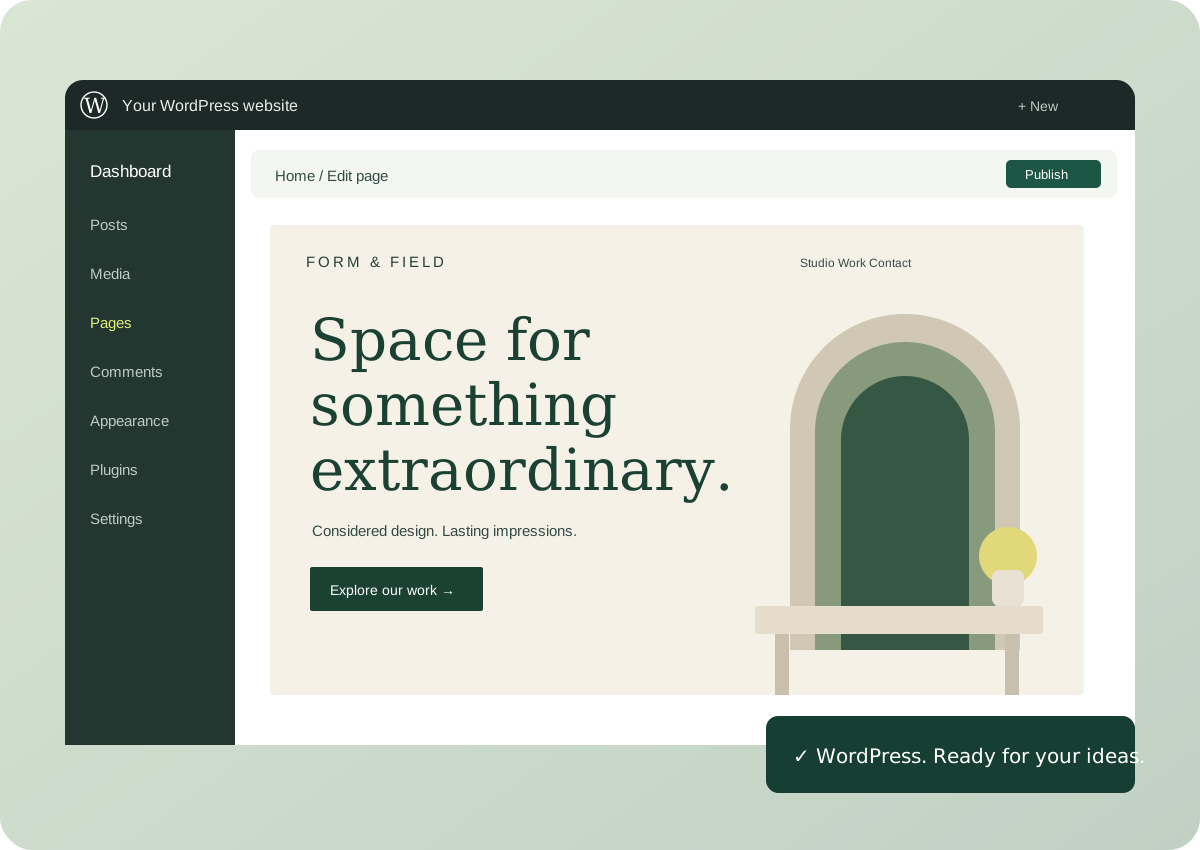
Auto-install WordPress from your hosting account, choose your theme, and start shaping a website around your business.
Free SSL, Imunify360 security and daily JetBackup backups come included with both WordPress plans.
Clearly defined CPU, RAM and NVMe storage make it easier to choose a plan for your website.
| Find your fit | WP Starter | WP Power |
|---|---|---|
| Monthly price | R85/mo | R145/mo |
| Storage | 20GB | 40GB |
| CPU allocation | 2 cores | 3 cores |
| RAM | 2GB | 3GB |
| Email accounts | 25 | 30 |
| Free .co.za domain | — | Included |
| Get started | Choose WP Starter | Choose WP Power |
Scroll the table to compare on smaller screens. Final billing options and totals are shown at checkout.

You don’t have to begin again. Free migration is included with both WordPress plans. Tell us about your current site and we’ll help you plan the move.
Something else on your mind?
Talk to our teamFree migration is included with WP Starter and WP Power. Contact us first so we can check your existing hosting and plan the transfer.
Yes. You can use WordPress themes and plugins compatible with your installation and hosting resources. Any paid theme or plugin licences remain separate purchases.
WP Starter includes 20GB storage, 2 CPU cores, 2GB RAM and 25 email accounts. WP Power includes 40GB storage, 3 CPU cores, 3GB RAM, 30 email accounts and a free .co.za domain.
Both plans include daily JetBackup backups. Keep your own copies of important content too, and contact support if you need help with a restore.
WordPress hosting, with the essentials already in place.
Clear answers for your website, domain and business email.
Compare storage, email, backups and WordPress resources.
Read the hosting guide →Business emailPlan your mailboxes, DNS settings and move from a free inbox.
Read the email guide →Moving your domainPrepare ownership, authorisation, DNS and email before transferring.
Read the transfer checklist →